
Can ChatGPT or Gemini Make Music? What Actually Works in 2026
If you search for an AI music maker ChatGPT or an AI music maker Gemini, you are usually asking a practical question: can a general-purpose AI assistant turn an idea into a finished song, or do you need a dedicated music generator?
The short answer is that both types of AI can help, but they play different roles. ChatGPT and Gemini are useful for brainstorming, writing lyrics, planning a song, and creating detailed prompts. A dedicated AI music maker is built to turn those instructions into melody, harmony, rhythm, vocals, and a downloadable audio track. The most useful workflow combines the two instead of treating them as interchangeable.
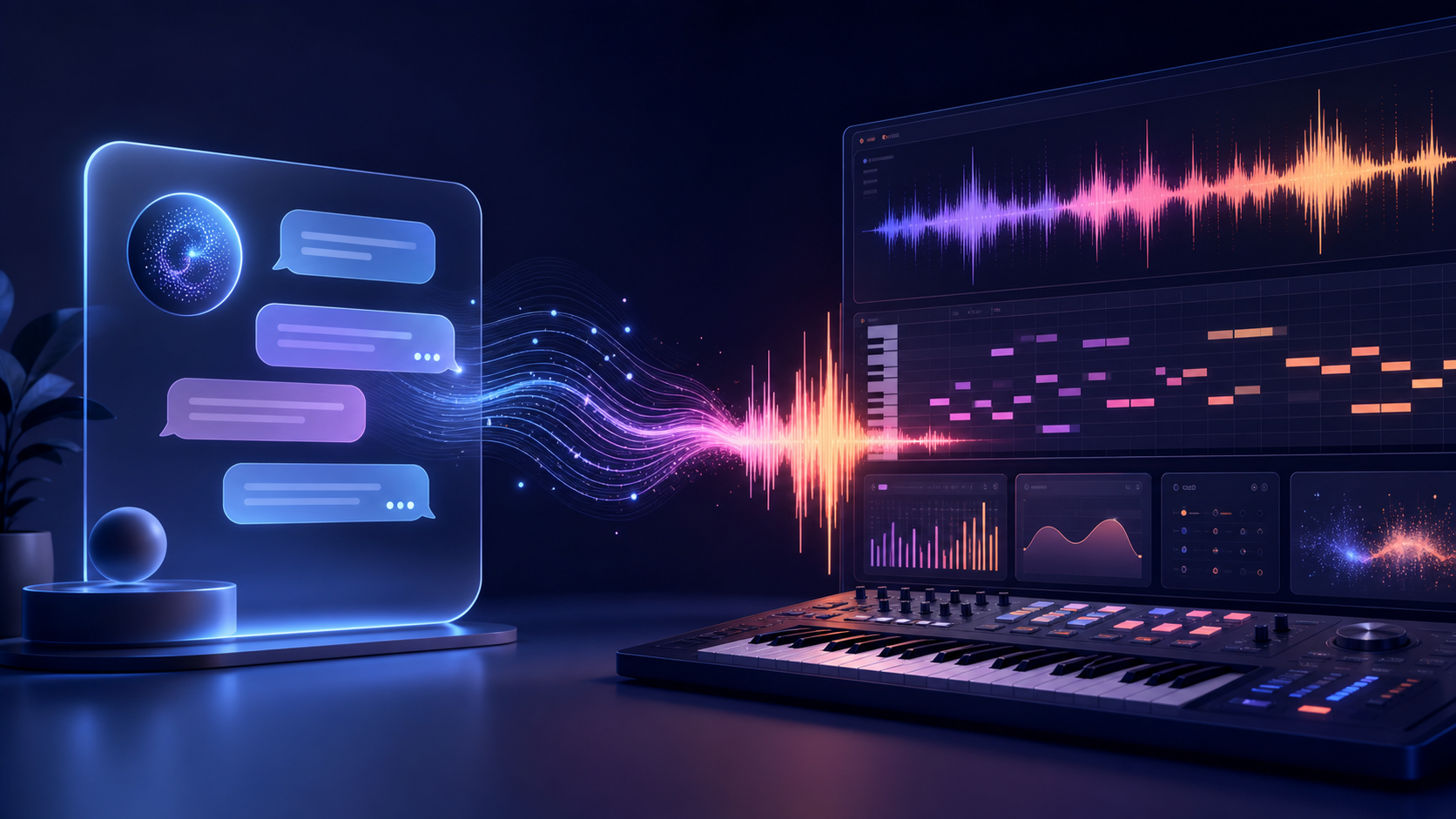
What Can ChatGPT and Gemini Do for Music?
General-purpose assistants are strong at language and structured thinking. They can help you move from a vague idea to a usable creative brief before you open a music-generation tool.
Brainstorm song concepts
You can ask an assistant for themes, titles, moods, story arcs, audience ideas, or genre combinations. For example, a rough request such as "I want an uplifting song about starting over" can become a clear concept with a verse perspective, chorus message, and emotional progression.
Draft and refine lyrics
ChatGPT or Gemini can suggest verses, hooks, bridges, rhyme patterns, and alternate lines. They are also helpful when you already have lyrics and want to improve structure or make the wording easier to sing. Keep your own voice in the writing, and do not ask an assistant to imitate a living songwriter or reproduce copyrighted lyrics.
Build a music prompt
The best music prompts describe musical attributes rather than only naming a genre. An assistant can turn a sentence into a brief that includes tempo, instrumentation, vocal character, energy, arrangement, and production mood.
For example:
Warm indie-pop song, mid-tempo, intimate verses, wide melodic chorus, clean electric guitar, soft analog synths, live-sounding drums, optimistic lift in the final chorus, clear lead vocal, original melody.
Plan a song arrangement
An assistant can map a track into sections such as intro, verse, pre-chorus, chorus, bridge, and outro. That plan gives a dedicated AI song generator more useful direction and makes it easier to compare multiple generations.
What Does a Dedicated AI Music Maker Add?
A general AI assistant works primarily with text. A dedicated AI music maker is designed around audio generation and music-specific controls. Depending on the product, it can create a complete track from a prompt or lyrics, add vocals, generate instrumental music, and provide an audio file for download.
The difference matters because a polished song requires more than a good description. It needs musical timing, pitch relationships, instrumentation, transitions, vocal phrasing, and a coherent arrangement. A dedicated generator handles those audio decisions in one workflow.
| Task | General AI assistant | Dedicated AI music maker |
|---|---|---|
| Song ideas and titles | Excellent | Sometimes available |
| Lyrics and structure | Excellent | Often supported |
| Detailed style prompt | Excellent | Uses the prompt as input |
| Melody and harmony rendering | Limited or product-dependent | Core capability |
| Full audio arrangement | Limited or product-dependent | Core capability |
| Vocal or instrumental output | Not the primary purpose | Common workflow |
| Downloadable music file | Not guaranteed | Designed for audio export |
This is why the phrase AI music maker GPT can be confusing. GPT-style assistants may help you prepare the creative instructions, but the actual music-making stage is best handled by software designed to render sound.
A Practical ChatGPT or Gemini to Music Workflow
You can combine both tools in five simple stages.
1. Start with a creative brief
Describe the audience, purpose, emotional direction, and any musical references in your own words. Include what the song should avoid. A useful brief might say that the track is for a travel video, should feel energetic but relaxed, and should leave space for narration.
2. Ask the assistant to organize the idea
Request a compact output with a working title, genre, mood, tempo range, instruments, vocal direction, song sections, and a one-paragraph generation prompt. This keeps the result focused and makes it easier to edit.
3. Review originality and ownership
Remove requests to copy a recognizable artist, imitate a living singer's voice, or recreate a specific copyrighted song. Replace them with abstract qualities such as "breathy vocal," "minimal piano," "bright synth texture," or "slow-building chorus." If you provide lyrics, use text you wrote or have permission to use.
4. Generate several versions
Paste the refined prompt into an AI music maker. Make one change at a time between attempts: tempo, vocal presence, arrangement density, or genre direction. Small controlled changes make it easier to understand why one version works better than another.
5. Evaluate the audio, not only the description
Listen for a clear hook, natural transitions, unwanted artifacts, distracting repetition, and whether the arrangement fits its purpose. If the track is for video, check whether the intro leaves room for dialogue. If it is a song draft, decide whether the chorus has enough contrast with the verses.
When Should You Use ChatGPT, Gemini, or an AI Music Maker?
Use ChatGPT or Gemini first when your idea is unclear, your lyrics need structure, or you want several creative directions quickly. They are especially helpful for turning a non-musician's description into precise language.
Use a dedicated AI music maker when you are ready to hear the idea, compare melodies, create an instrumental, generate vocals, or export a track. If you already know the sound you want, you can skip the assistant and work directly from your own prompt.
Use both when you want a repeatable process: the assistant helps you prepare and critique the brief, while the music tool handles audio generation. This division of labor is faster than asking a language model to do a job it was not designed to complete.
Common Limitations to Keep in Mind
AI tools are creative accelerators, not guarantees of a perfect final master. Different generations may vary in melody, vocal delivery, arrangement, or sound quality. Some features may be limited by the selected plan, file format, generation length, or usage rights.
You should also review the terms of the specific platform you use. "AI-generated" does not automatically mean "free for every commercial use." Check the license before using a track in a monetized video, client project, podcast, game, advertisement, or streaming release. Keep a record of the source lyrics, prompts, uploaded samples, and the license that applied when you generated the track.
Final Answer: Can ChatGPT or Gemini Make Music?
ChatGPT and Gemini can help make music by developing the idea, writing lyrics, planning the structure, and producing a strong prompt. A dedicated AI music maker is the better tool for turning that plan into a complete audio track.
If you are new to AI music, start with a short brief, ask an assistant to organize it, and then test the prompt in a dedicated generator. Iterate by changing one musical detail at a time. That simple workflow gives you the creative flexibility of a chatbot and the audio capabilities of an AI music maker without confusing the two.
Frequently Asked Questions
Can ChatGPT generate a complete song?
ChatGPT can help create the concept, lyrics, structure, and prompt for a song. Whether it can render complete audio depends on the product experience and enabled features. A dedicated AI music maker is the reliable choice when you need generated music you can listen to and export.
Can Gemini create music from text?
Gemini can help turn a text idea into lyrics, musical direction, or a detailed prompt. For full song rendering, use a tool designed specifically for text-to-music or lyrics-to-song generation.
Is an AI music maker better than ChatGPT for songwriting?
They solve different parts of songwriting. ChatGPT is useful for language and ideation; an AI music maker is useful for melody, arrangement, vocals, and audio output. Using them together is often the most practical approach.
Can I use AI-generated music commercially?
Sometimes, but the answer depends on the generator's license, your plan, the source material, and local law. Read the current terms for the tool you used and confirm commercial rights before publishing or selling the track.